IntraVox

SharePoint-like intranet pages for Nextcloud

Build collaborative intranet pages directly in Nextcloud with a powerful drag-and-drop editor. It brings SharePoint-style page creation to your secure Nextcloud environment.

Version: 0.8.9 License: AGPL-3.0 Nextcloud: 32+
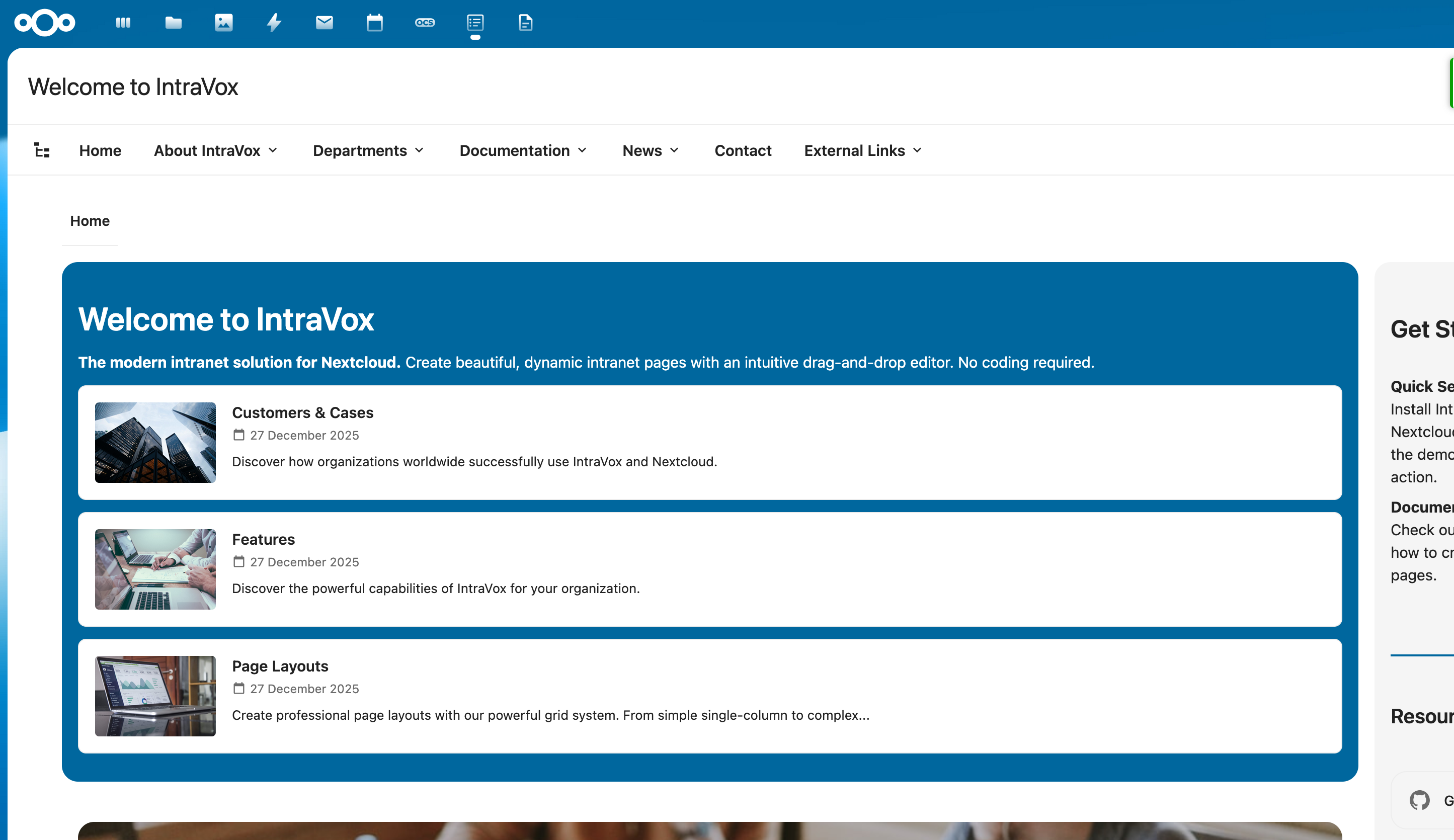
IntraVox Demo

Page Editor

The visual drag-and-drop interface is designed for non-technical users. Build professional pages without writing a single line of code.
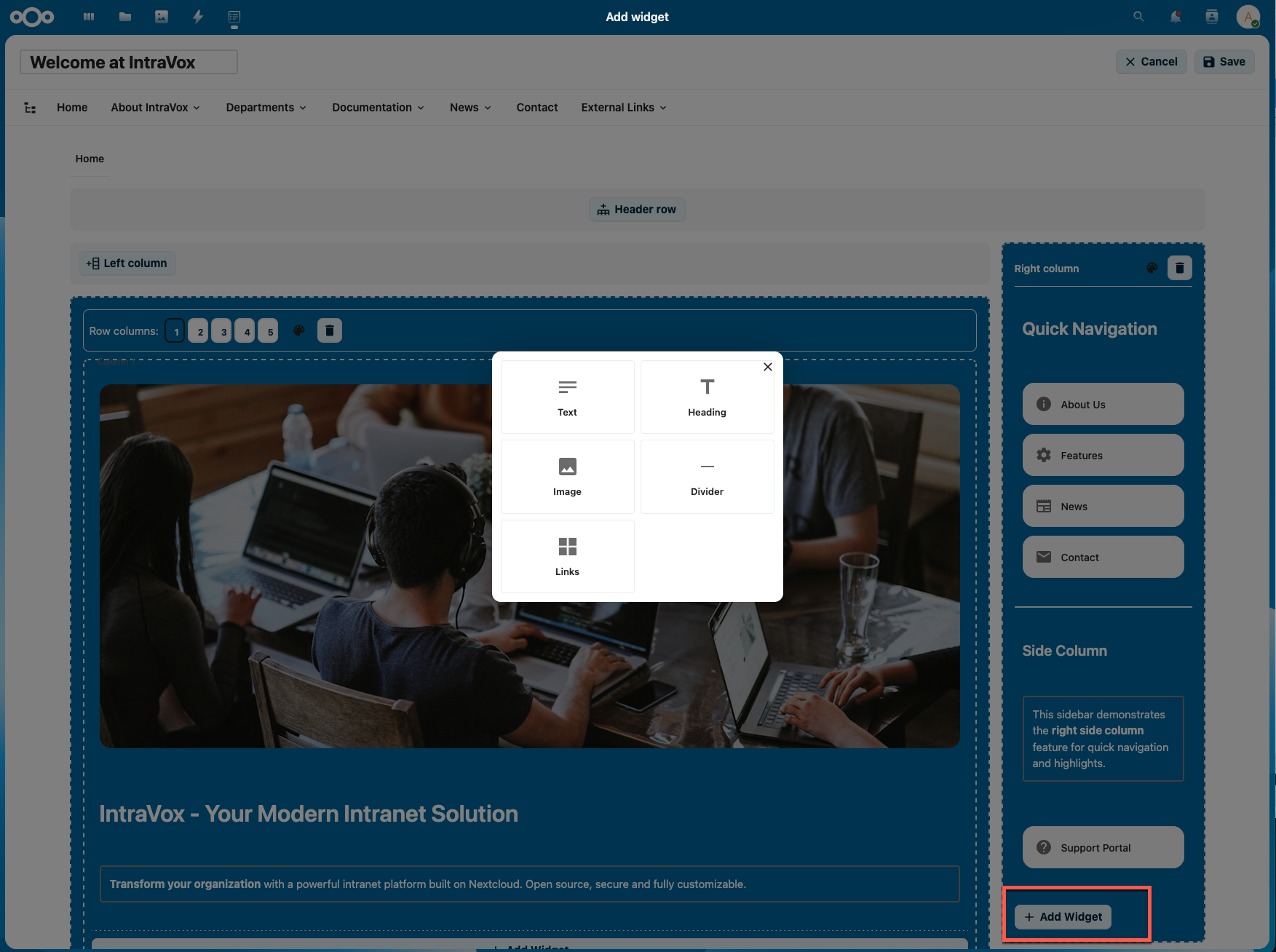
  • Flexible grid layouts with 1-5 columns per row
  • Customizable background colors aligned with Nextcloud themes
  • Optional header and side column sections
  • Unlimited content rows
  • Collapsible sections (SharePoint-style)
IntraVox Editor

Available Widgets

Everything you need for a complete intranet, out-of-the-box.
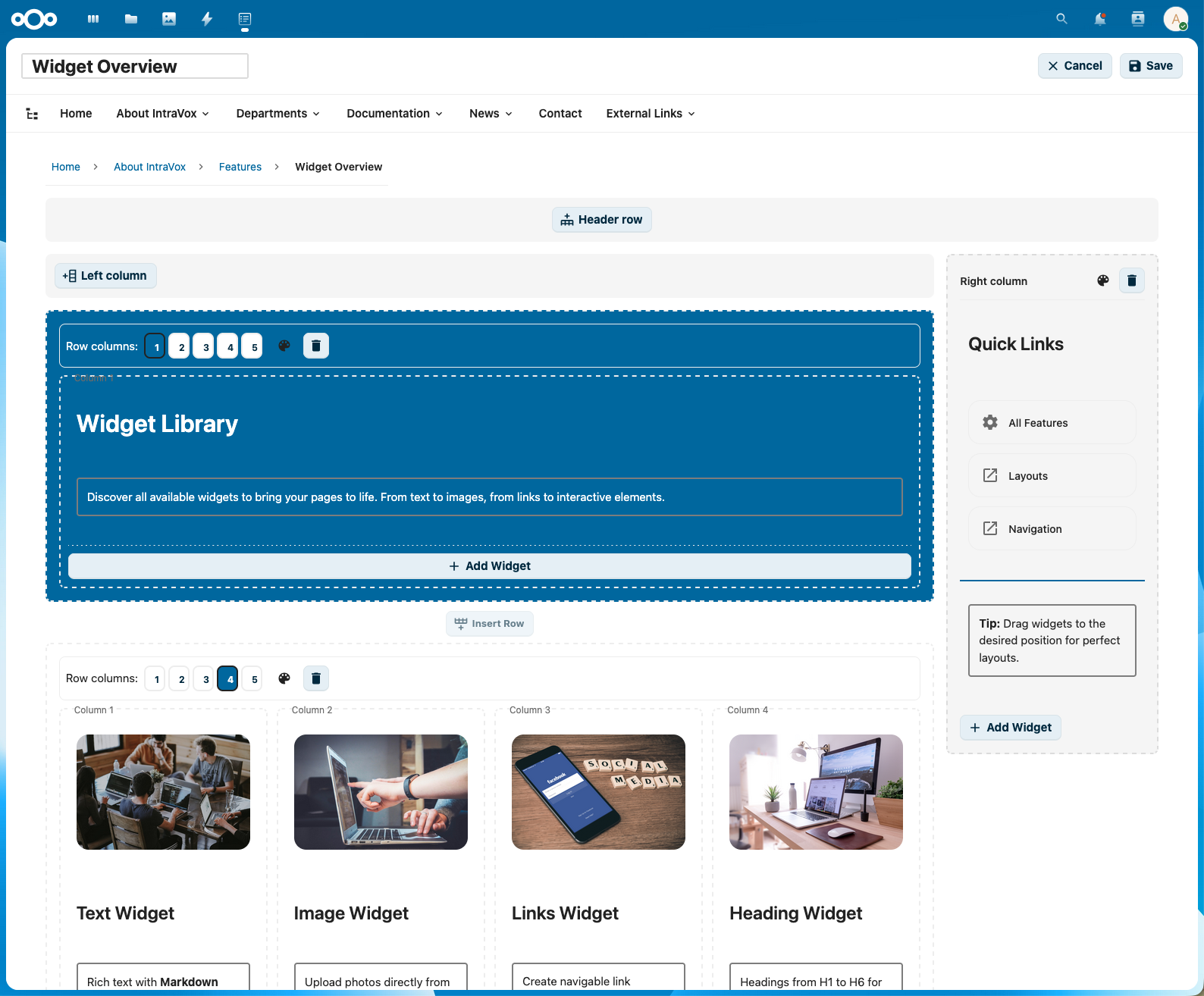
Text & Markdown

Rich text editor with full markdown support for formatted content.

Headers

Headings from H1 to H6 for clear structure.

Images

Images with link capabilities to other pages or external sites.

Videos

Embed videos from YouTube, Vimeo, PeerTube or local files.

Link Grids

Multi-column link grids for organized navigation.

News Widget

Display news in carousel, grid or list view with filtering.

Tables

Full table editor with row/column manipulation.

Dividers & Spacing

Visual dividers and whitespace for better layout.

IntraVox Widgets

News Widget

The powerful news widget displays content in various formats with advanced filtering capabilities.
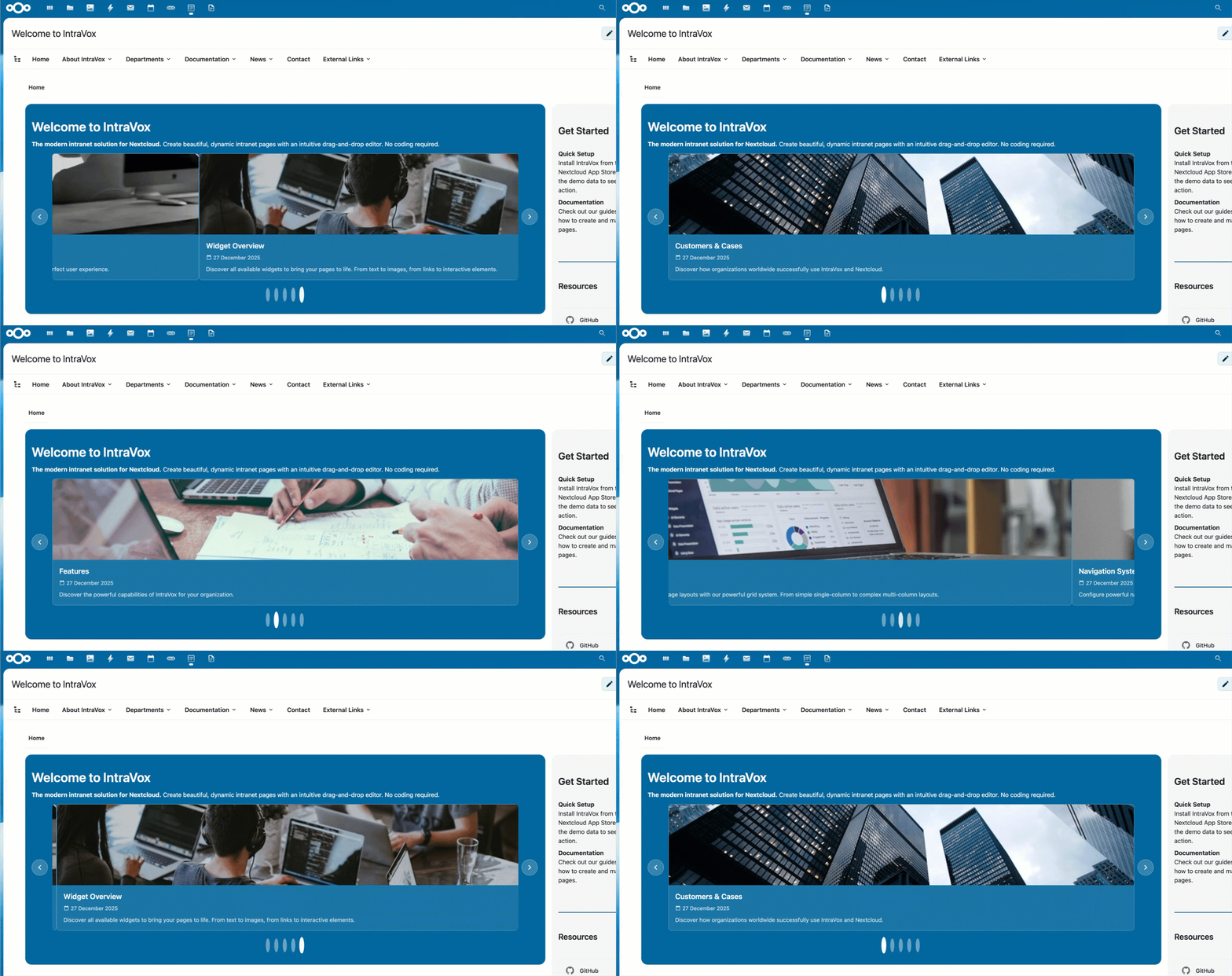
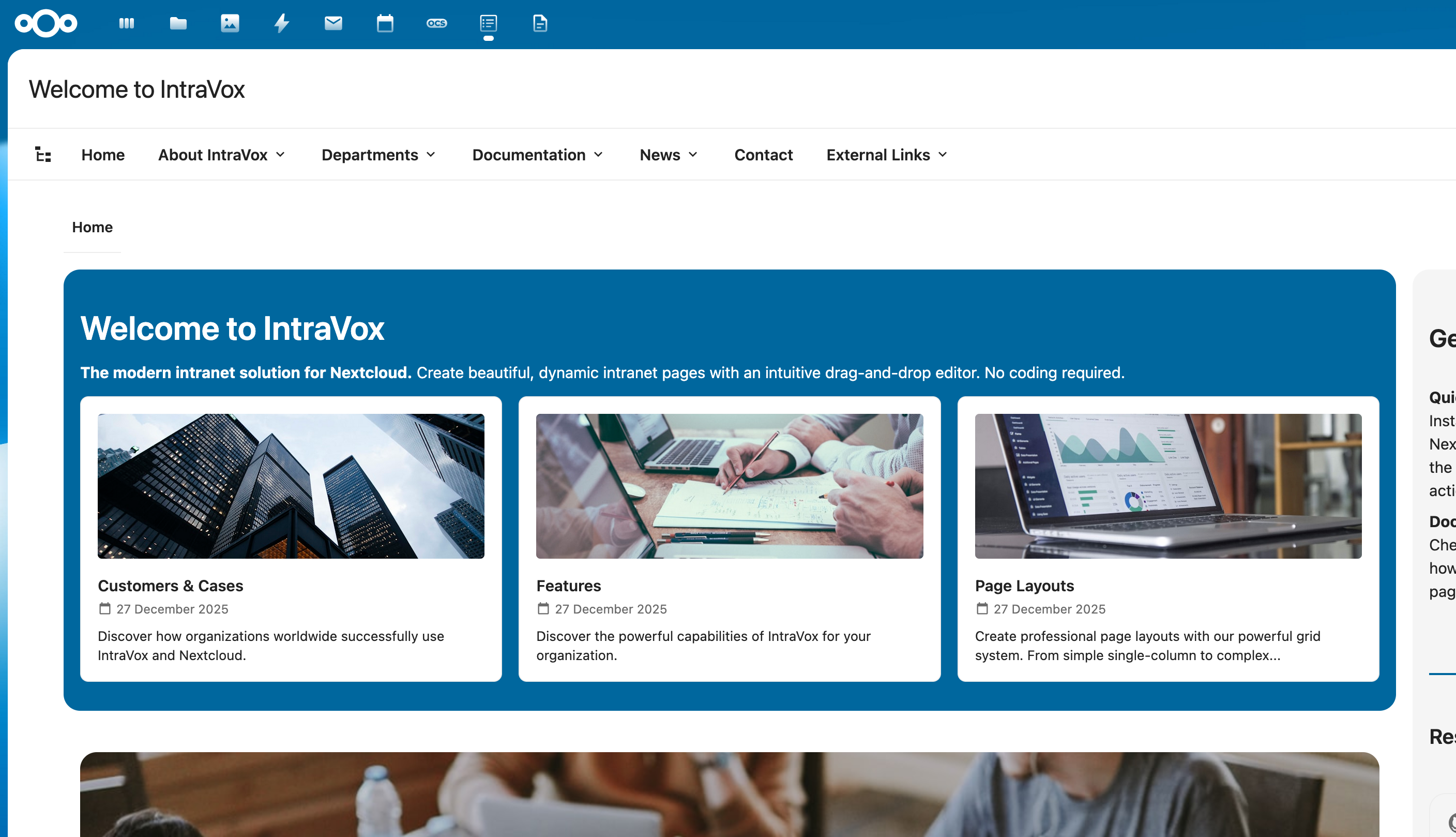
  • Carousel, grid and list view
  • Filter by MetaVox metadata
  • Publication date and author information
  • Automatic thumbnail generation
News Widget Carousel

Navigation System

Build a professional menu structure up to three levels deep.
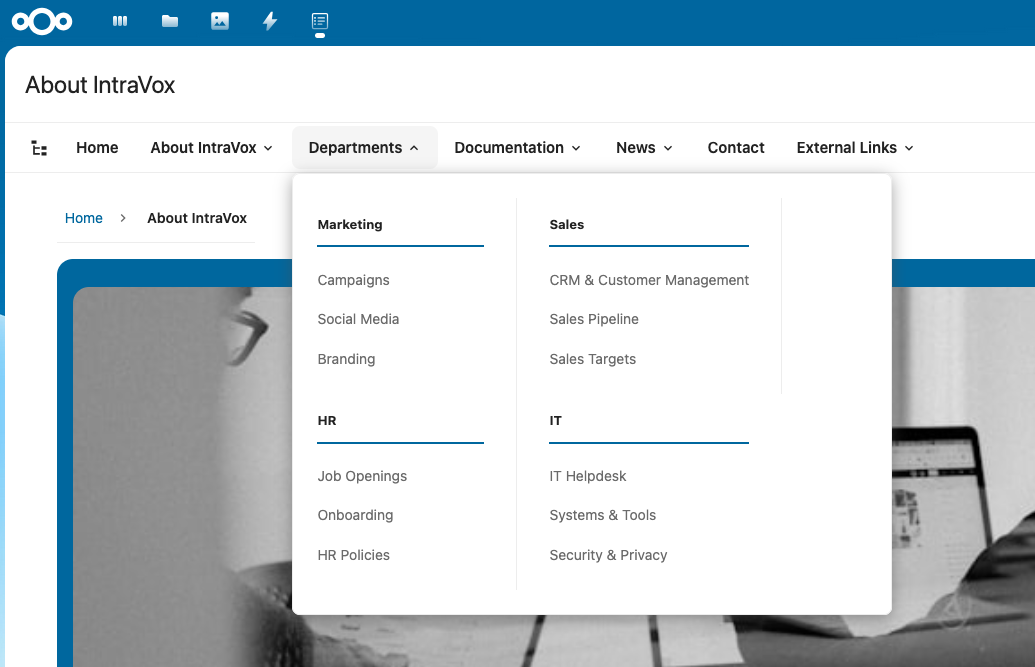
  • Hierarchical navigation up to 3 levels
  • Dropdown or megamenu display
  • External URL links supported
  • Tree-view page structure visualization
  • Mobile hamburger menu
  • Automatic breadcrumb navigation
Megamenu

Engagement Features

Stimulate interaction with emoji reactions and discussions.
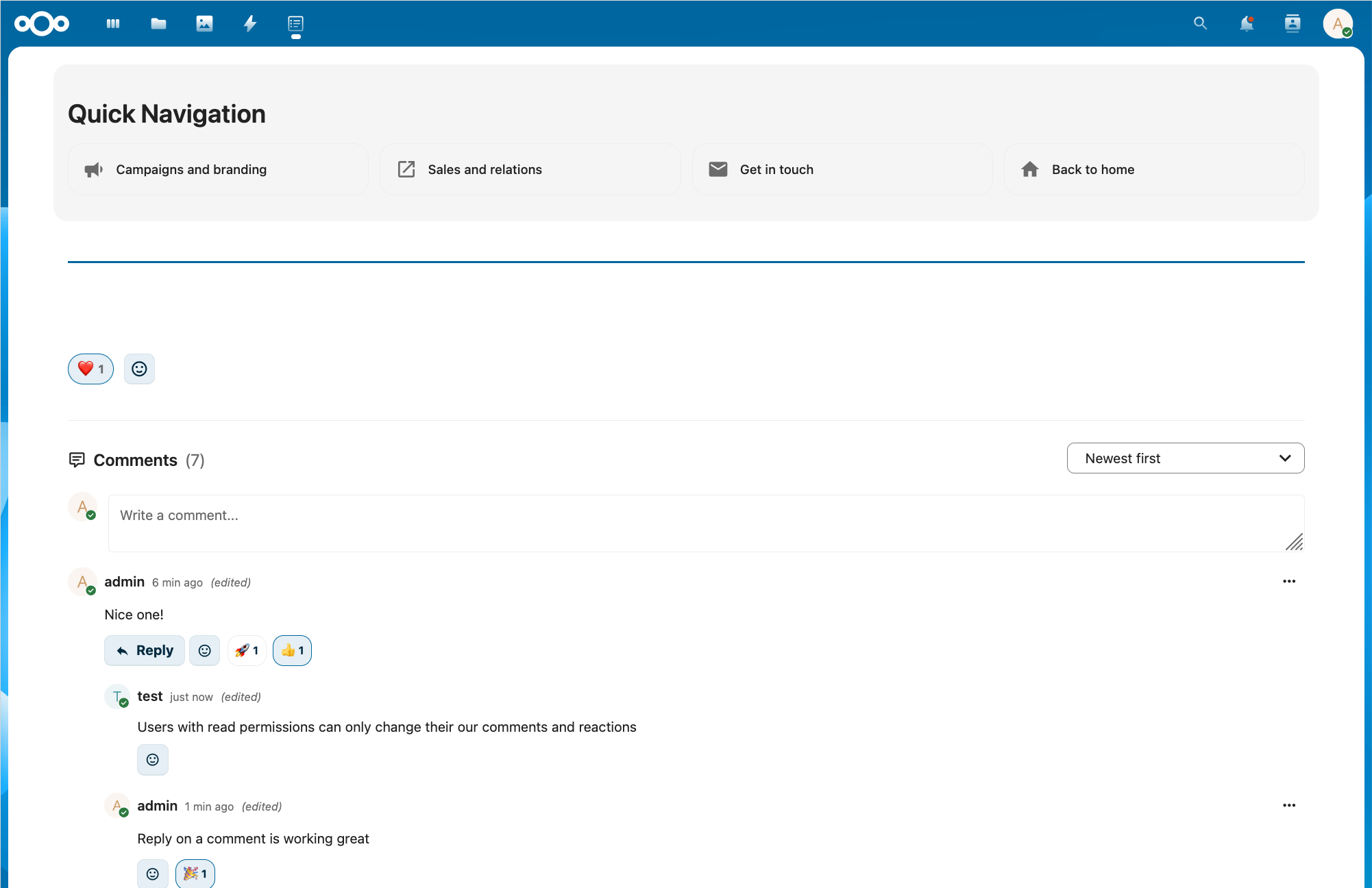
  • Emoji reactions on pages
  • Threaded comments (one level deep)
  • Admin control per page or globally
  • Integration with Nextcloud Comments API
Engagement Features

Collapsible Sections

SharePoint-style expandable/collapsible row content for long pages.
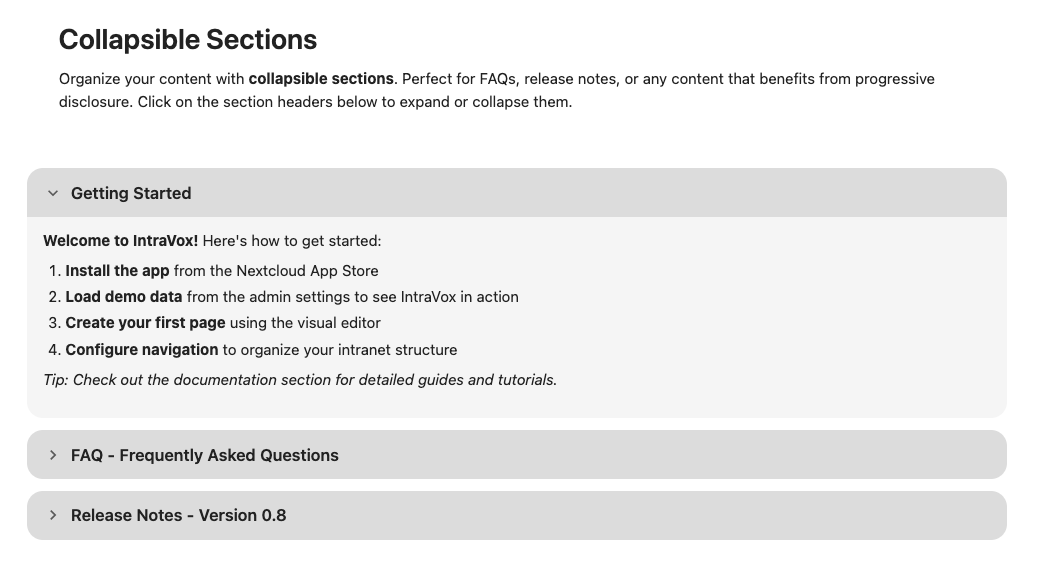
  • Customizable section titles
  • Configurable default state (open/closed)
  • Ideal for FAQs and long documents
Collapsible Sections

Version History

Full revision history in Files-app style.
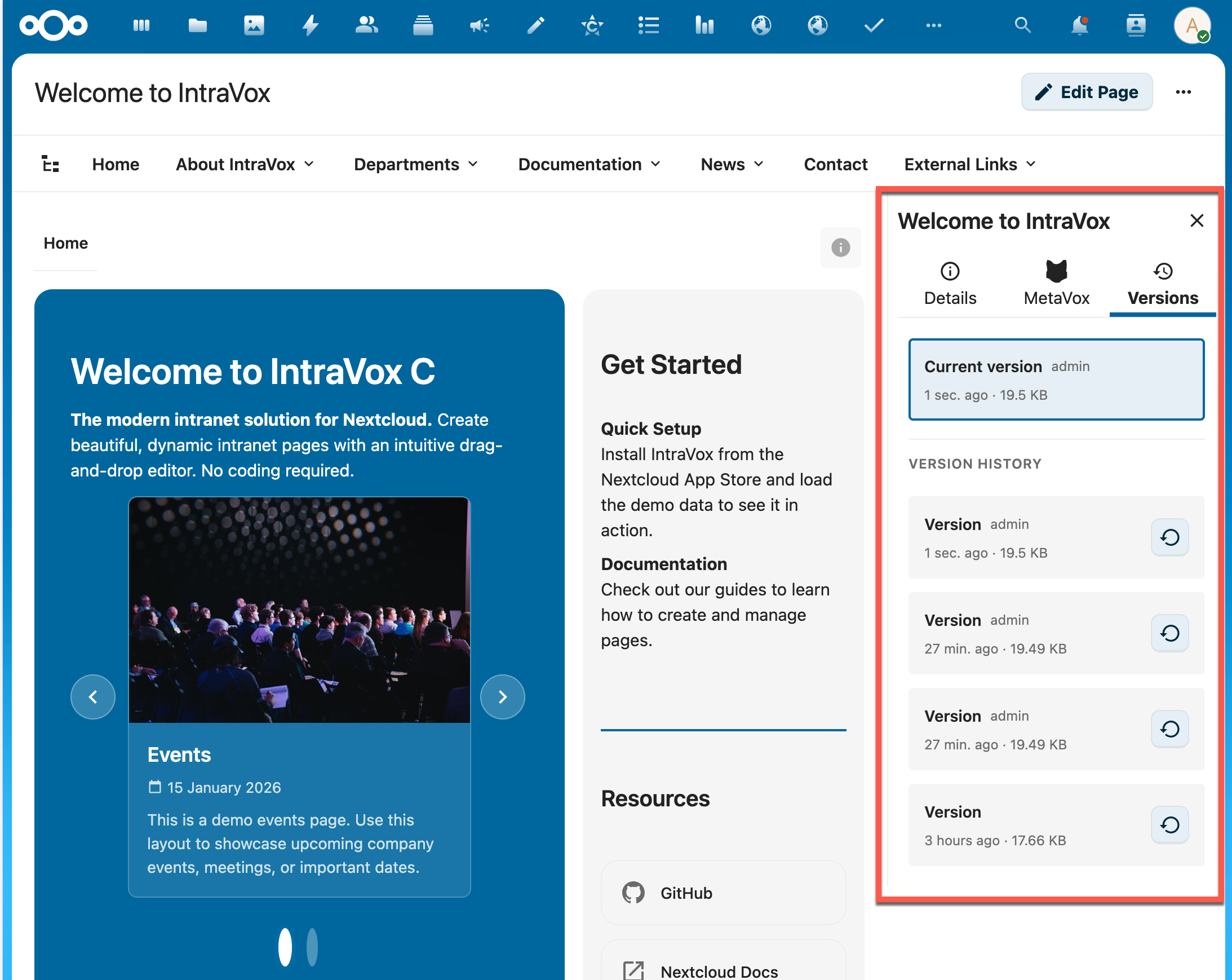
  • Modification metadata per version
  • Preview before restoration
  • Custom version labels
  • Automatic list refresh
Version History

Search

Fully integrated with Nextcloud Unified Search.
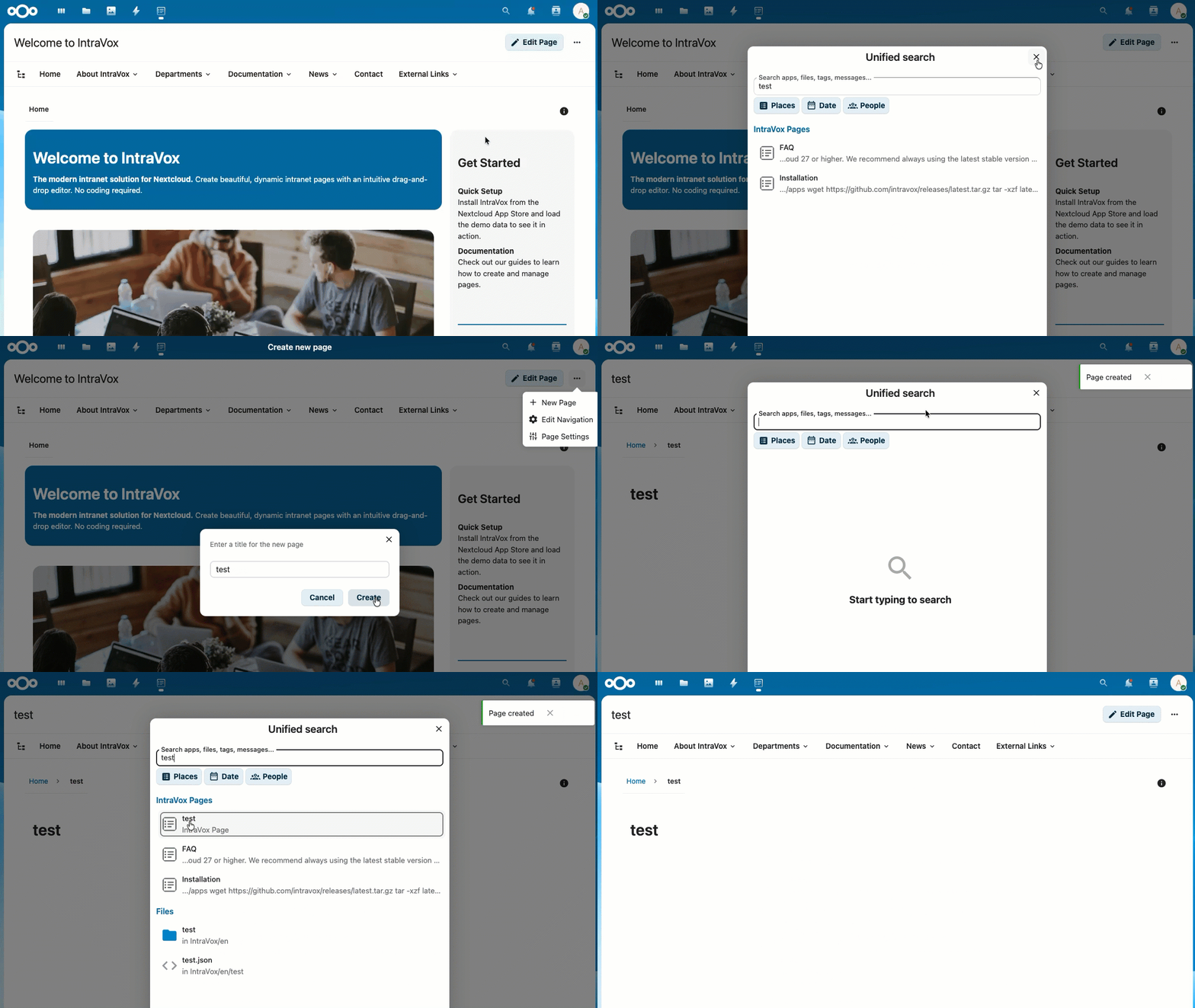
  • Ctrl+K shortcut for search
  • Search in page titles and content
  • Respects access permissions
Search

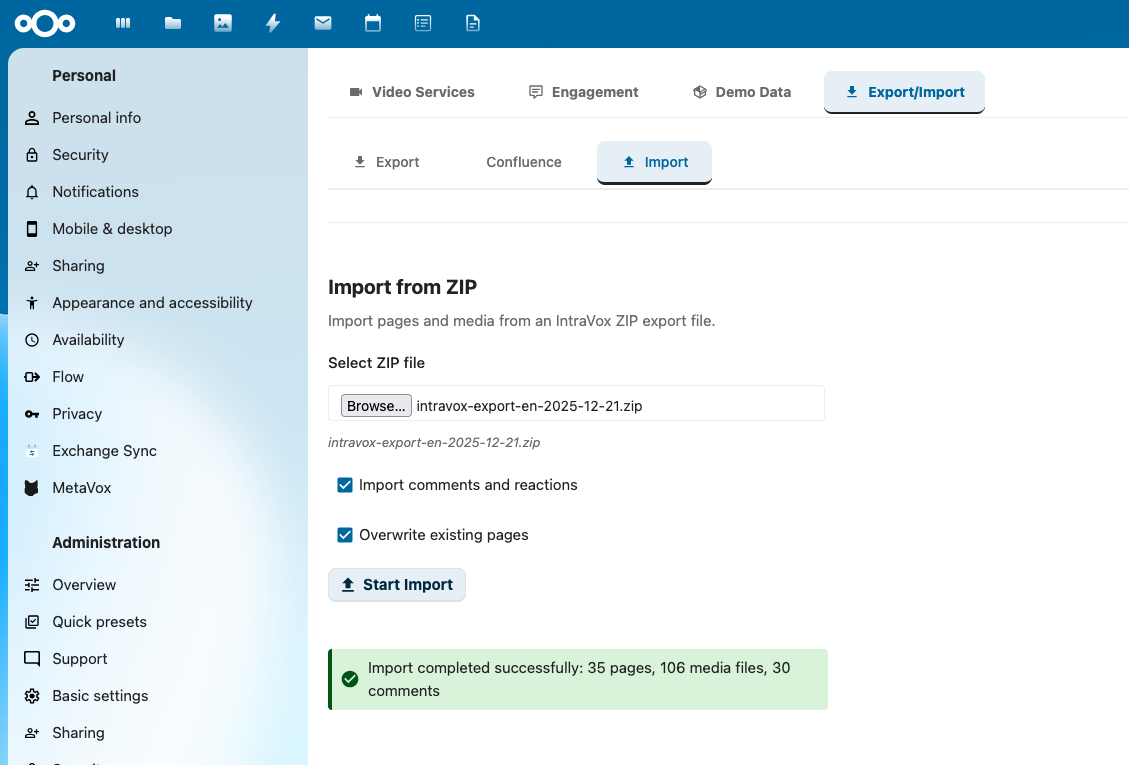
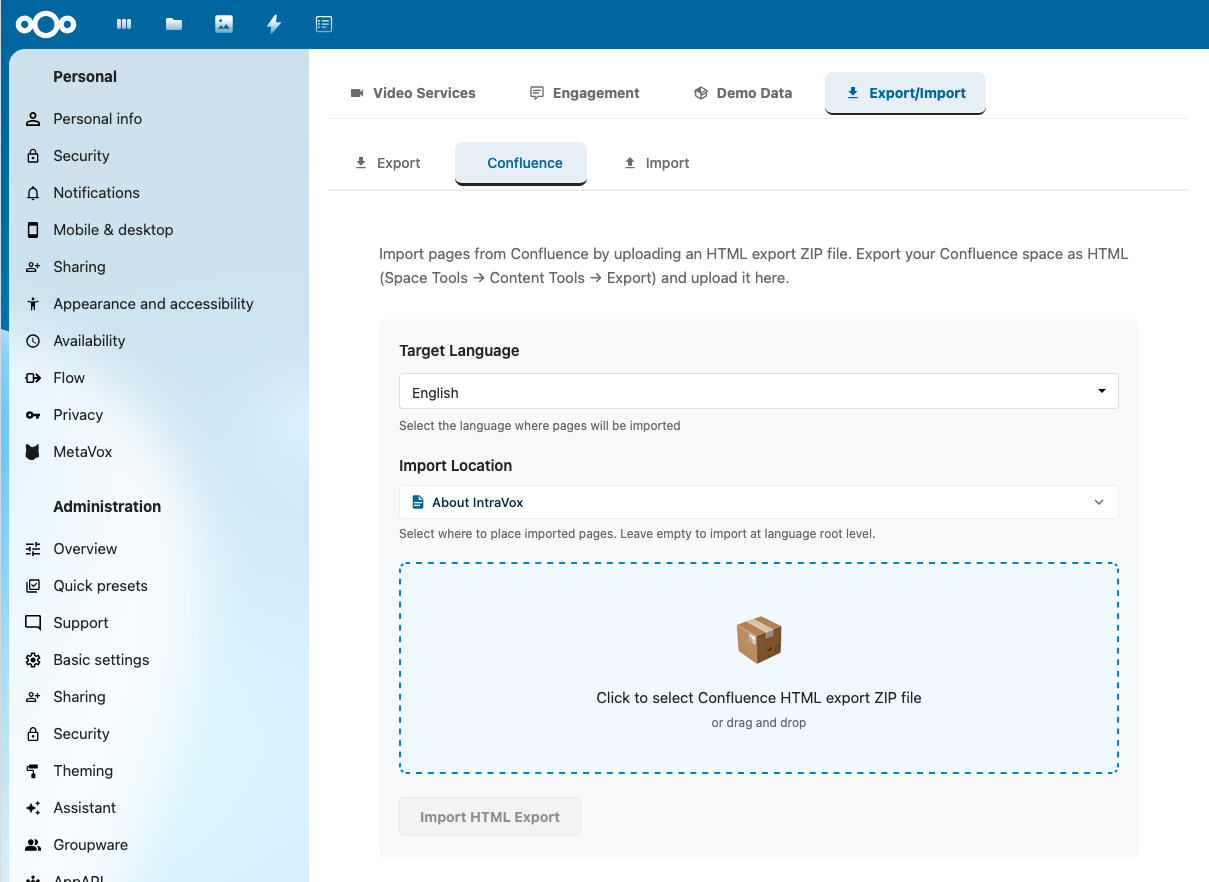
Export & Import

Migrate content effortlessly between installations.
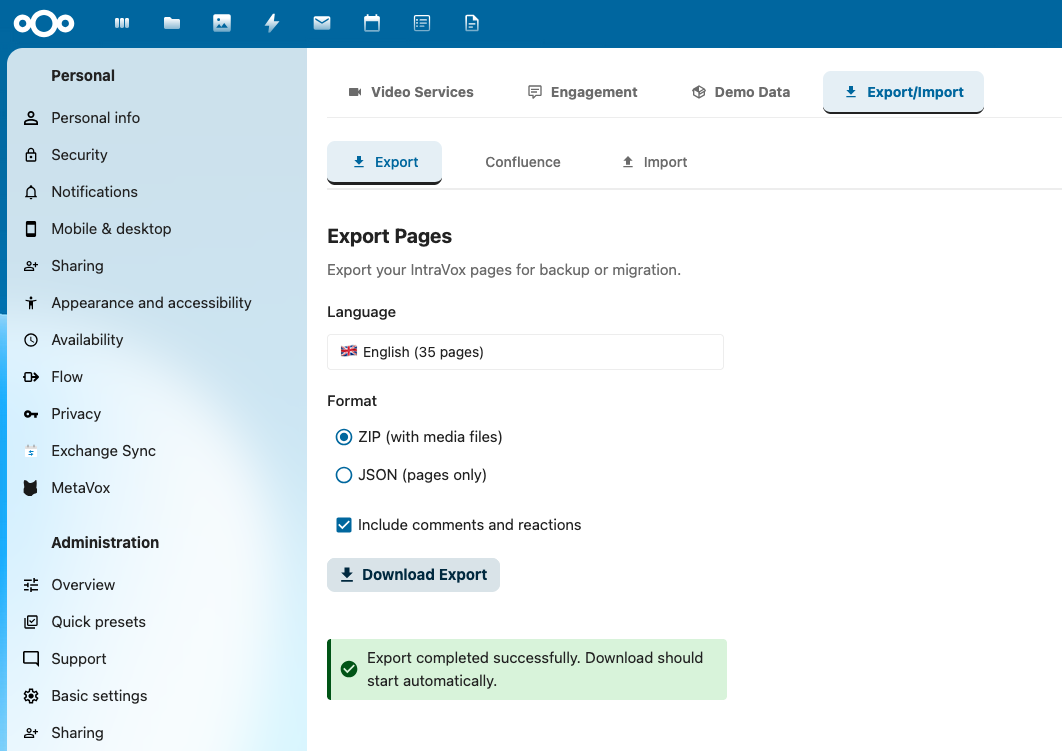
  • Full installation export to ZIP
  • Confluence HTML import support
  • Metadata preservation
  • Folder hierarchy maintenance
Export

MetaVox Integration

Add structured metadata to your intranet pages.
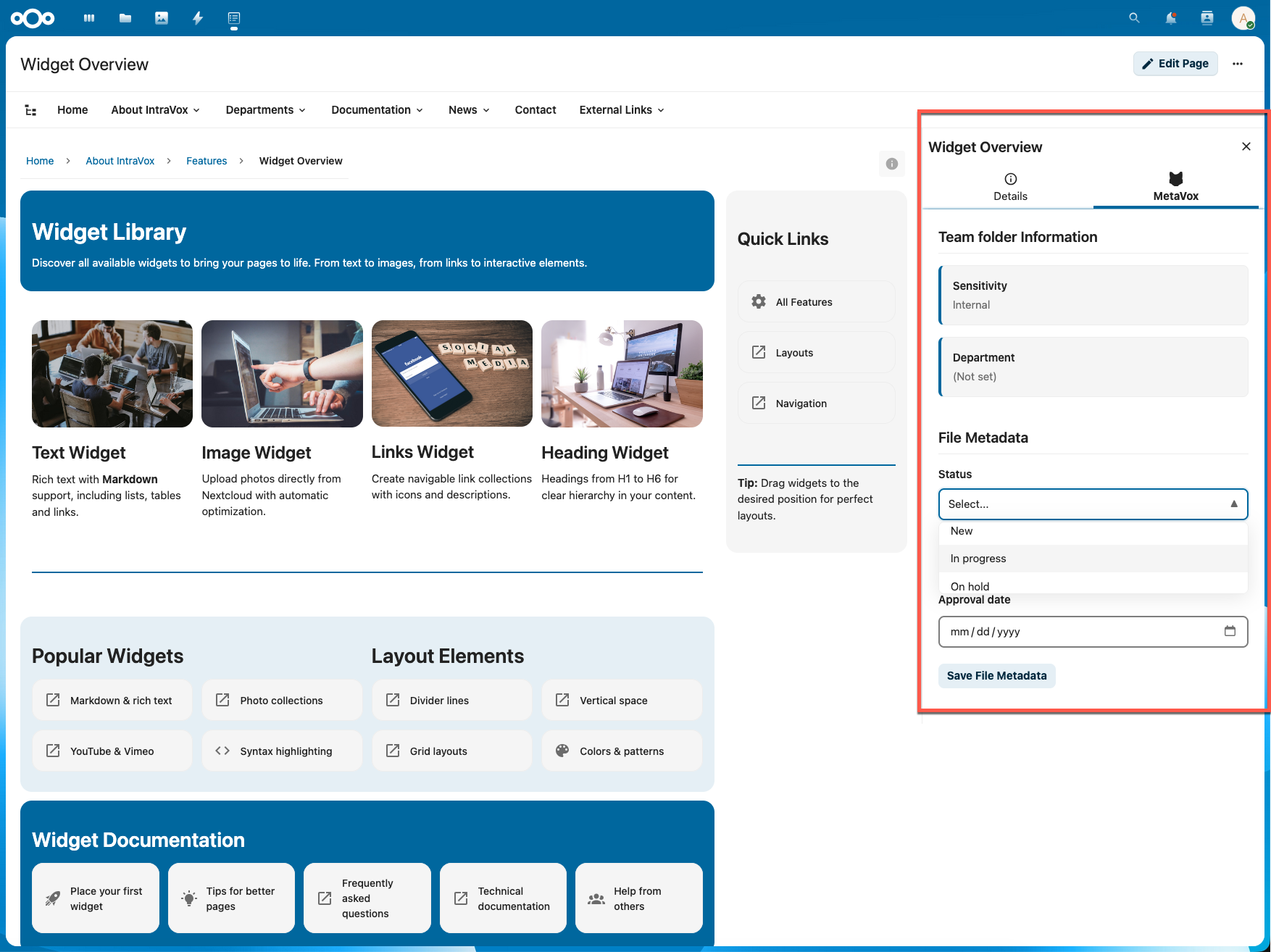
  • Custom metadata fields per page
  • Filter news by metadata
  • Searchable tags and categories
MetaVox Integration

Multilingual

4 Languages

Dutch, English, German and French out-of-the-box.

Automatic Language Detection

Users automatically see content in their Nextcloud language.

Separate Content

Create different versions per language for full control.

Security & Access

GroupFolders ACL

Uses Nextcloud's native GroupFolder ACL system for granular access control.

Permission Filtering

Navigation only shows pages the user has access to.

Recommended Groups

IntraVox Admins, Editors and Users for easy role management.

Responsive Design

Works perfectly on all devices - from desktop to mobile.
  • Automatic column adjustment
  • Touch-friendly interface
  • Mobile hamburger menu
Responsive Design

Admin Settings

Engagement Control

Enable/disable reactions and comments globally or per page.

Video Domains

Manage allowed video embed domains for security.

Demo Data

Install sample content to get started quickly.

Publication Metadata

Configure metadata fields for publication information.
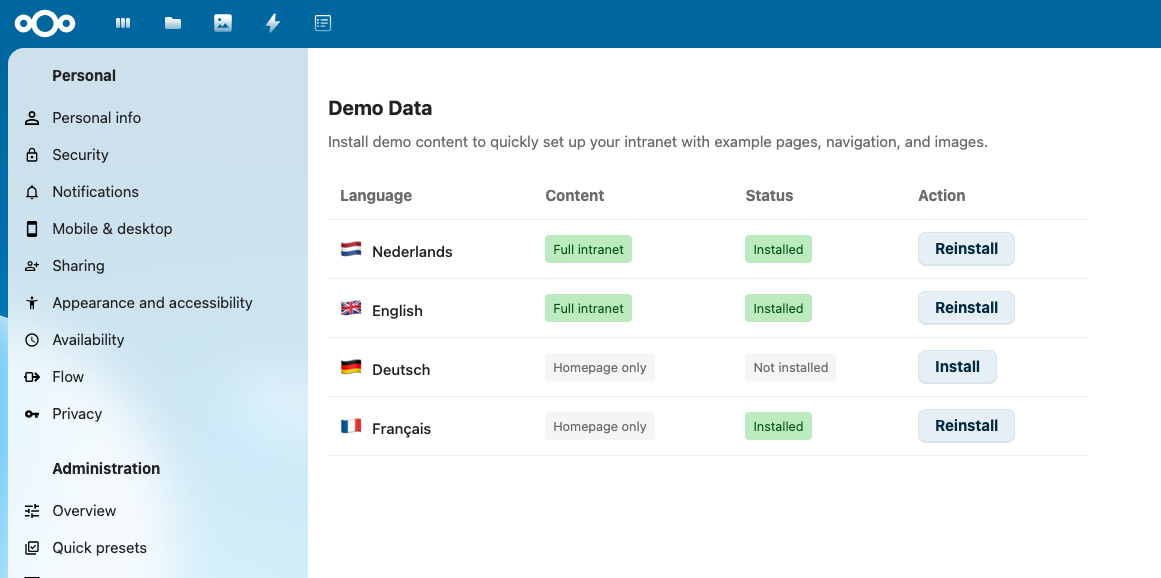
Demo Data Installation

Use Cases

Company Intranet

Replace SharePoint with an open-source alternative in your Nextcloud.

Knowledge Base

Document processes, procedures and best practices.

Team Wikis

Collaborative documentation for teams and projects.

Project Hubs

Central place for project information and updates.

Department Portals

Dedicated portals for HR, IT, Marketing, etc.

Education Portals

Information portals for students and staff.

Installation

  1. Install the GroupFolders app from the Nextcloud App Store
  2. Install IntraVox from the Nextcloud App Store
  3. Go to Admin Settings → IntraVox
  4. Click Install Demo Data to start with sample content
  5. The system automatically creates the IntraVox GroupFolder and permission groups
  6. Assign users via GroupFolder ACL

Requirements

  • Nextcloud 32+
  • PHP 8.1+ (8.2+ recommended)
  • Memory Limit 256MB (512MB recommended)
  • GroupFolders App Required

Technology

Vue.js 3

Modern frontend framework for fast, reactive UI.

PHP 8.x

Backend with Nextcloud AppFramework integration.

JSON Storage

All data stored in GroupFolders - no database migrations.

REST API

Complete API with 25+ documented endpoints (OpenAPI 3.1).

License

IntraVox is available under the AGPL-3.0 license. For commercial use with extended support and extra features, a commercial license is available.